
Your photos,finally yours.
A smart gallery and canvas designer that keeps every photo, note and tag on your device. No backend, no accounts, no analytics — ever.
Get on the App Store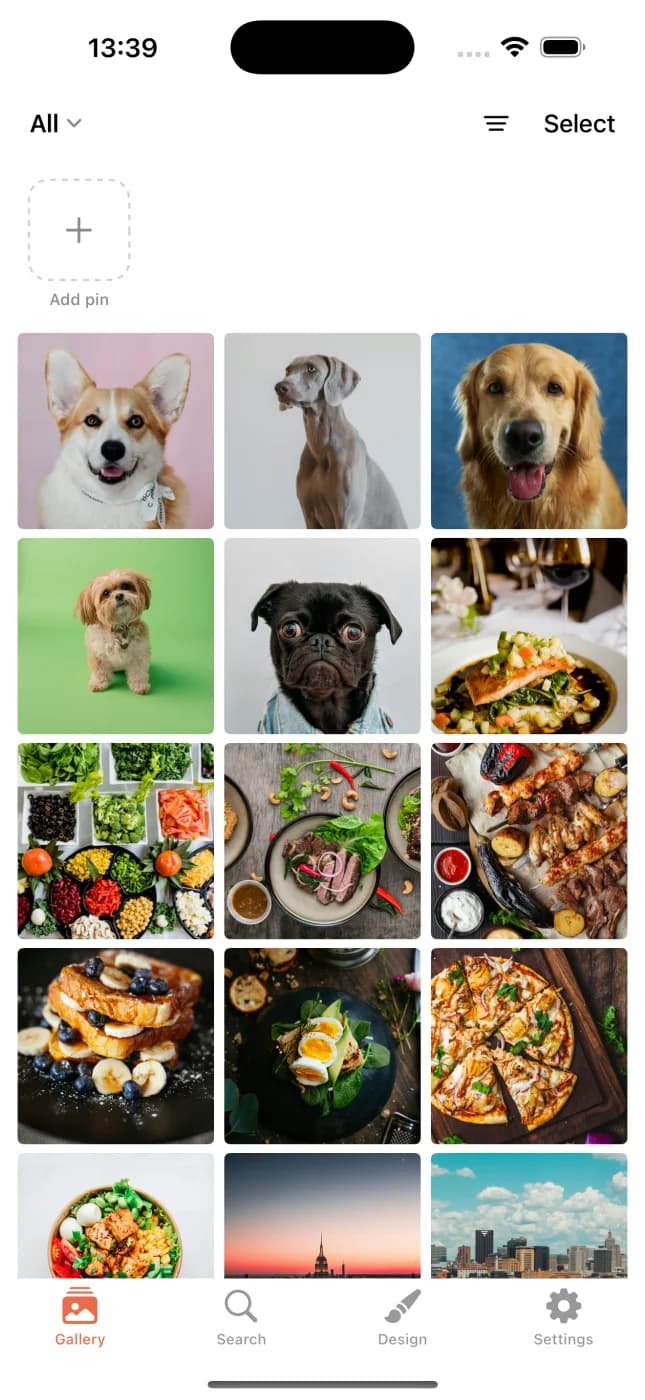
A quick look.
Gallery, editor, designer. Tap to unmute.
Memora, in motion.
Nothing leaves your phone.
No servers, no accounts, no tracking. Your photos stay in Apple Photos — Memora just adds notes and tags on your device.
All data on device
Photos, notes, tags, designs — stored in SwiftData on your iPhone. Delete the app, it all goes.
No tracking, no analytics
No Firebase, no Mixpanel, no third-party telemetry. Nothing about your usage is collected.
No account, no sign-in
Nothing to register, nothing to forget. Your library stays on your device.
Built around your gallery.
Find anything
Search by tag, note, place, or AI category — all on device.
This day, every year
Memories strip surfaces same-month photos from years past.
Your own albums
Curate collections by hand, set covers, reorder.
Cleanup tools
Find duplicates, old screenshots, big videos. Reclaim space safely.
Home screen widget
Pick the photos you want to see; they rotate on your home screen.
English + Turkish
Every screen, both languages — switch any time.
Asked and answered.
Does Memora upload my photos anywhere?
No. Photos are read from Apple Photos, displayed in Memora, and that's it. No server, no third party, no exception.
Does it work with iCloud Photos?
Yes. Apple Photos stays the source of truth; iCloud sync happens through Apple's own system service. Memora just reads what's already on your device.
Is Memora free?
Yes — the App Store version is free with no ads and no analytics. No account to create.
What iPhone do I need?
Any iPhone running iOS 17 or later. Optimized for newer devices but works smoothly back to the iPhone XS.
Does it work offline?
Yes. Everything Memora does — grouping, search, editing, designer — runs on device. The only optional online feature is Apple Maps location search, which is opt-in.